
Library Resources
In today’s increasingly digital world, technology skills are beneficial for both personal and professional success. The Mount Prospect Public Library provides resources and support to help patrons build their knowledge and confidence with both established and emerging technologies.
Drop-In Tech Help – Stop in and bring your questions about technology-related subjects like Word, Excel, PowerPoint, email, and e-books.
Schedule a Reference Appointment – A Technology Librarian is available to help answer questions, discover tech resources, and assist in navigating devices.
Technology Programming – The library offers various classes and programs on technology topics ranging from computer basics to more specialized software.
The Mount Prospect Public Library has a multitude of in-house technology for patrons to use including computers, Mac Studios, Chromebooks, and various hardware and software including Adobe Creative Cloud. More information on the library’s technology offerings can be found on the Computer and Technology page.
Online Training & Courses
Gale Presents: Udemy – 25,000 on-demand video tutorials covering technology topics including Microsoft Office 365, Windows, Mac OS, and computer basics.
LinkedIn Learning – Online courses and videos on a range of topics including Microsoft Word, PowerPoint, Excel, iOS, Windows, and computer basics.
O’Reilly for Public Libraries – Technology and business-related e-books, videos, tutorials, personalized learning tools, and certifications for career advancement. Emphasis on web-development and computer science.
More Resources by Topic
Artificial Intelligence (A.I.)

Artificial intelligence (A.I.) has become an integral part of our lives, transforming the way we interact with technology. Generative AI tools such as Open AI’s ChatGPT and Microsoft’s Copilot use a conversational model to generate text based on human prompts. If you’re curious to learn more about this technology, below are resources to check out.
As with any information online, it is important to understand that generative A.I tools may not always be accurate, and it is generally encouraged to fact check and not rely on A.I as a sole source of information.
Online Tutorials
Gale Presents: Udemy – Relevant Courses: “Generative AI for Beginners”, “Intro to AI: A Beginner’s Guide to Artificial Intelligence”
LinkedIn Learning – Relevant Courses: “Introduction to Artificial Intelligence”, “How to Boost Your Productivity with AI Tools”, and “Everyday AI: 15 Practical Skills to Build Confidence with AI”.
Using ChatGPT Effectively – Guide created by Arizona University with ChatGPT tips and guides.
Other Resources
Copyright and Artificial Intelligence – Copyright,gov article explaining copyright and AI.
Exploring privacy issues in the age of AI – Article by IBM on AI privacy and best practices.
Books
- AI for Small Business – Pallen, Phil
- AI Snake Oil: What artificial intelligence can do, what it can’t, and how to tell the difference – Narayanan, Arvind
- ChatGPT for Dummies – Baker, Pamela
- Generative A.I For Dummies – Baker, Pamela
- How to Think About AI: A Guide for the Perplexed – Susskind, Richard
- Microsoft Copilot for Dummies – Minnick, Chris
- Project Management with AI – Stanton, Daniel
- Writing AI Prompts – Diamond, Stephanie
Computer Basics

Looking to learn more about using a computer? Below are some tools that can get you started.
Online Tutorials
BBC First Click Beginners Guide – Informational handout explaining computer and mouse basics.
Digitallern.org – Online courses and videos on a range of topics including Microsoft Word, PowerPoint, Excel, iOS, Windows, and computer basics. Recommended Courses: “Internet Basics”, “File Management Basics”, and “Using a PC: Windows 11”
Gale Presents: Udemy – Relevant Course: “Basic Computer Skills: Hands-On Training for Beginners”,
LinkedIn Learning – Recommended Course: “Working with Computers and Devices”
Senior Planet by AARP – Free online classes designed for seniors addressing a variety of technology topics including Artificial Intelligence, smartphones, and more.
Tech Life Unity – This site offers free classes on a variety of technological lifestyle topics including social media, current tech trends, and internet safety.
Universal Class – Paid online classes offering certifications in a variety of technology topics including computer basics, Microsoft Office, and more. Recommended Course: “Computer Literacy Level 1”
Books
- Computer Basics – Miller, Michael
- Macs for Seniors – Chambers, Mark
- Windows 11 for Seniors – Simmons, Curt
Looking to improve your email navigation or switch emails? Below are some tools that can get you started.
Online Tutorials
Digitallern.org – Relevant Course: “Email Basics”
Universal Class: Relevant Course: “Mastering Gmail”
Google Workspace

In addition to being a search engine, Google offers a suite of free, online programs for both personal and professional use. These programs are referred to collectively as the Google Suite. While these programs are free, paid options (including more cloud storage) are available. A google account is required to use the Google Suite.
Gmail – Google’s free E-Mail platform.
Google Calendar – Digital calendar and planning tool.
Google Docs – Online document editing tool. Operates similarly to Microsoft Word.
Google Drive – Online cloud file storage and sharing platform,
Google Meet – Video chat and conferencing platform. Similar to Zoom.
Google Sheets – Online spreadsheet and data editor. Similar to Microsoft Excel.
Google Slides – Online slideshow and presentation editor. Similar to Microsoft Powerpoint.
Google Tasks – Task manager that works in conjunction with Google Calendar.
Online Tutorials
Gale Presents: Udemy – Relevant Course: “Complete Google Workspace”
Google Workspace Learning Center – Google’s official training platform.
How to create a Google Account
LinkedIn Learning – Relevant courses: “Introduction to Google Sheets”, “Introduction to Google Drive”, and “Google Workspace”.
Books
- Google Drive & Docs in 30 minutes – Lamont, Ian
- G Suite – McFredries, Paul
- Google Workspace for Dummies – McFredries, Paul
Internet Safety

Looking to make sure that your information is secure online? Below are some resources and tips for using the internet safely.
Online Resources
Choosing and Protecting Passwords – Guide to create strong passwords.
Digitallern.org – Relevant Course: “Cybersecurity Basics”
LinkedIn Learning – Relevant Course: “Learning Computer Security and Internet Safety”,
Online Privacy and Security – Tips created by the Federal Trade Commission on online security.
Books
- Cybersecurity – Steinberg, Joseph
- SafeCyberHome – VanCannon, Billy
- The future of hacking : the rise of cybercrime and the fight to keep us safe – Sherling, Laura
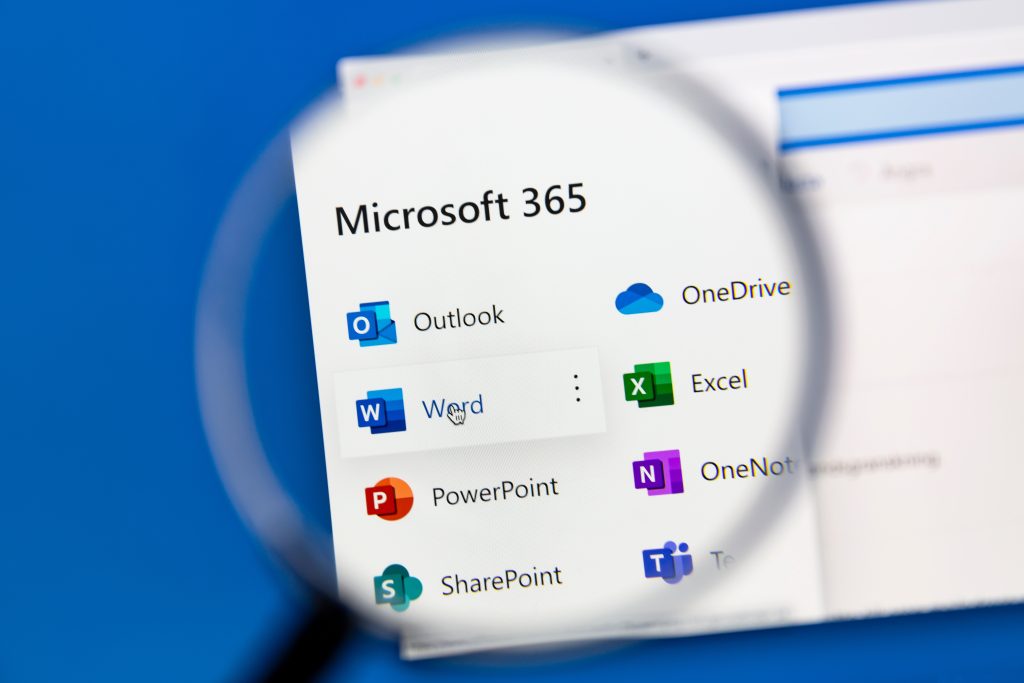
Microsoft 365
Microsoft 365 is a suite of applications made by Microsoft that are used commonly for both personal and professional use. To access Microsoft 365, you can use the Mount Prospect Public Library computers for free, or, create your own account to access at home. Microsoft Word, Excel, OneDrive, and PowerPoint also have free versions on the web.
Microsoft Excel – Spreadsheet program used to organize and analyze data.
Microsoft Onedrive – Cloud storage service used to save files online across devices.
Microsoft Outlook – Microsoft’s free Email platform.
Microsoft Powerpoint – Program used to create and display slide-based presentations.
Microsoft Word – Word-processing program used to create, edit, and format documents.
Online Tutorials
Digitallern.org – Relevant Courses: “Excel: Basics”, “Word: Basics”, “PowerPoint: Basics”
Excel-easy.com – Free Microsoft Excel tutorials.
Gale Presents: Udemy – Relevant Courses: “Microsoft Excel – Excel from Beginner to Advanced”, “Master Microsoft Word Beginner to Advanced”
LinkedIn Learning – Relevant Courses: “Learning Microsoft 365”, “Essential Excel Training”, “Word Essential Training”
Books
- Microsoft 365 Excel – Ringstorm, David H
- Microsoft 365 Office All in One – McFedries, Paul
- Microsoft 365 Outlook – Wempen, Faithe
- Microsoft 365 Powerpoint – Lowe, Doug
- Microsoft 365 Word – Gookin, Dan
Smartphones & Tablets
Wanting to better navigate your tablet or smartphone? Below are some resources and tips for navigating devices with ease.

Online Resources
Cell Phone Buying Guide – Guide made by Consumer Reports comparing phone operating systems.
Digitallern.org – Relevant Courses: “Mobile Device Basics: Android”, “Mobile Device Basics: iOS”
LinkedIn Learning – Relevant Course: – “iCloud Essential Training”
Books
- Android Smartphones for Seniors – Collier, Marsha
- iPad and iPad Pro – McFedries, Paul
- iPhone – Hart-Davis, Guy
- Kindle Paperwhite – Nicoll, Leslie
Zoom Web Conferencing

Zoom is a free, online, videoconferencing platform. Zoom can be accessed either online at zoom.com or by downloading the application. While Zoom is free to use, paid options are also available. An account is required to use Zoom.
Online Tutorials
LinkedIn Learning – Relevant courses: “Zoom Essential Training” and “Zoom Quick Tips”
Zoom Learning Center – Zoom’s official training webpage featuring tutorials and more.
Books & Objects
- Mobile Hotspot Device (Available through the Library)
- Webcam (Available through the library)
- Working from Home – Powers, Tara

